




B7 Mobile app
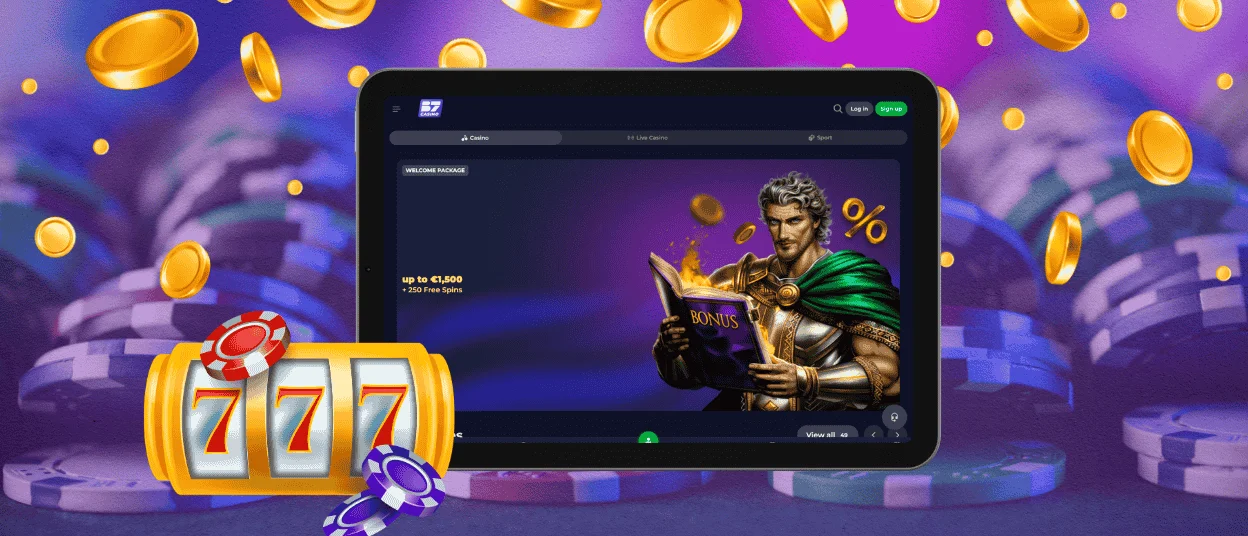
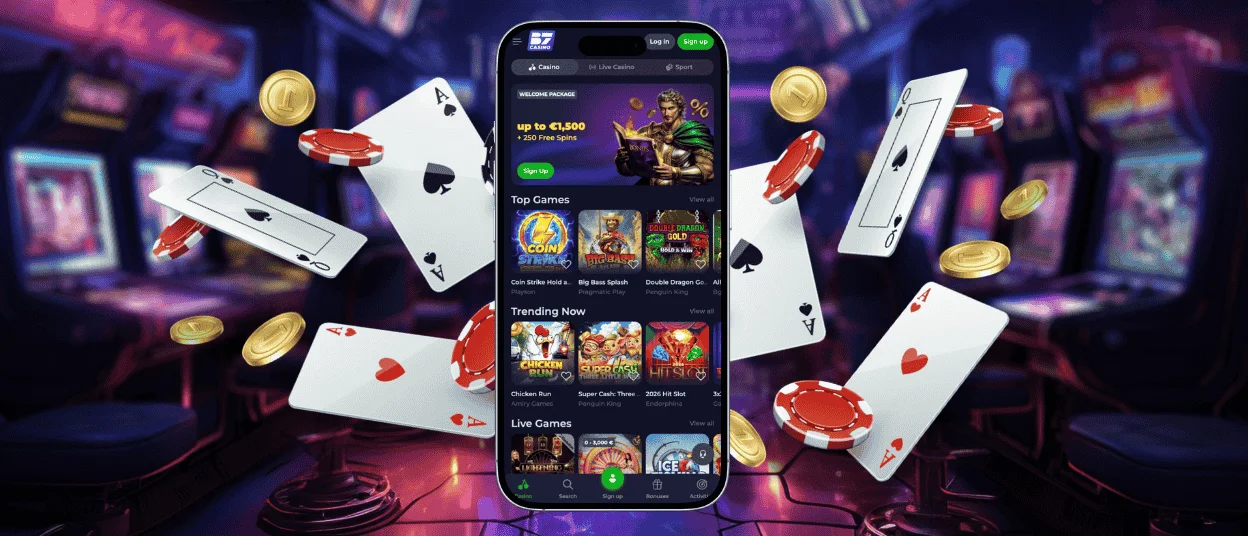
With the B7 app, players can get to the mobile casino from any device they like, without the need for a large download. It also maintains the same account environment as the desktop site, so bouncing between devices feels easy and predictable. This makes the platform practical for everyday use without further setup steps.



Benefits of the B7 Mobile App
The B7 app gives you a faster route to your account than opening a browser tab each time. You can add the shortcut to your home screen, open B7 Casino in one tap, and return to your favorite games with less friction. This works well when you want to spin a slot such as Coin Strike Hold and Win, check a bonus, or contact the support team during a short break.
Mobile play offers clear benefits, but PC play also has strong points. A desktop screen can feel better for long sessions, sports markets, or live dealer tables such as PowerUp Roulette. Mobile play feels better when you want speed, privacy, and direct access from the device you use every day.
| Feature | B7 app on mobile | Desktop play |
| Access | One-tap home screen shortcut after installation | Browser access from Chrome, Safari, Edge, or Firefox |
| Best use | Quick sessions, online slots, balance checks, bonuses | Longer sessions, larger live tables, detailed browsing |
| Security | HTTPS access, browser permissions, no unsafe third-party APK needed when using PWA | Secure browser access with full keyboard control |
| Convenience | Easy play on Wi-Fi or mobile data | Better for players who prefer a large monitor |
| Support | Fast access to live chat from the mobile site | Comfortable typing for detailed requests |
B7 Casino also keeps the account area consistent. Your login, balance, bonus information, and transaction history stay linked to the same account. This helps you switch from desktop to mobile without creating a new profile.
B7 Android Mobile App
B7 supports Android players through a mobile-first browser experience. Open the B7 Casino website in Chrome, sign in, and use the browser menu to add the platform to your home screen when the option appears. This gives you an app-style icon without using an unknown installation file.
The Android shortcut suits players who want fast game access and less device risk. You can launch our mobile casino from the home screen, browse the lobby, open online slots, and manage your account from the same secure environment. The layout adapts to smaller screens, so buttons, game tiles, and account tools stay easy to use.
PWA Installation
The B7 app works as a Progressive Web App, which means players can add it to an Android home screen directly from the browser. This setup makes access very simple for daily mobile play.
Android setup steps:
- Open the B7 Casino website in Chrome.
- Tap the More icon in the address bar.
- Select Add to home screen.
- Tap Add to confirm.
- Find the B7 icon on your home screen or in the app drawer.
- Hold the icon and move it to the place you prefer.
No file kit downloads means no malware distribution risk from a fake APK. PWAs run over HTTPS, which supports encrypted data transfer by default. Security updates happen through the website, so you do not keep an outdated local app version on your phone.
Mobile Application for iOS
B7 Casino works on iPhone and iPad through Safari and other modern mobile browsers. Sign in and use Safari sharing options to add our platform to your home screen. The shortcut opens the mobile casino quickly and keeps the experience simple.
You don’t need to download any separate files from the App Store or other sites. This helps you avoid fake download pages and keeps access close to the website. You can open games, check promotions, follow the verification process, and reach live chat from the same account.
B7 App for Windows and macOS
B7 also works well on desktop and laptop devices. You can use Windows or macOS with Chrome, Edge, Safari, or Firefox. Log in, and play from the browser without installing risky software from third-party pages.
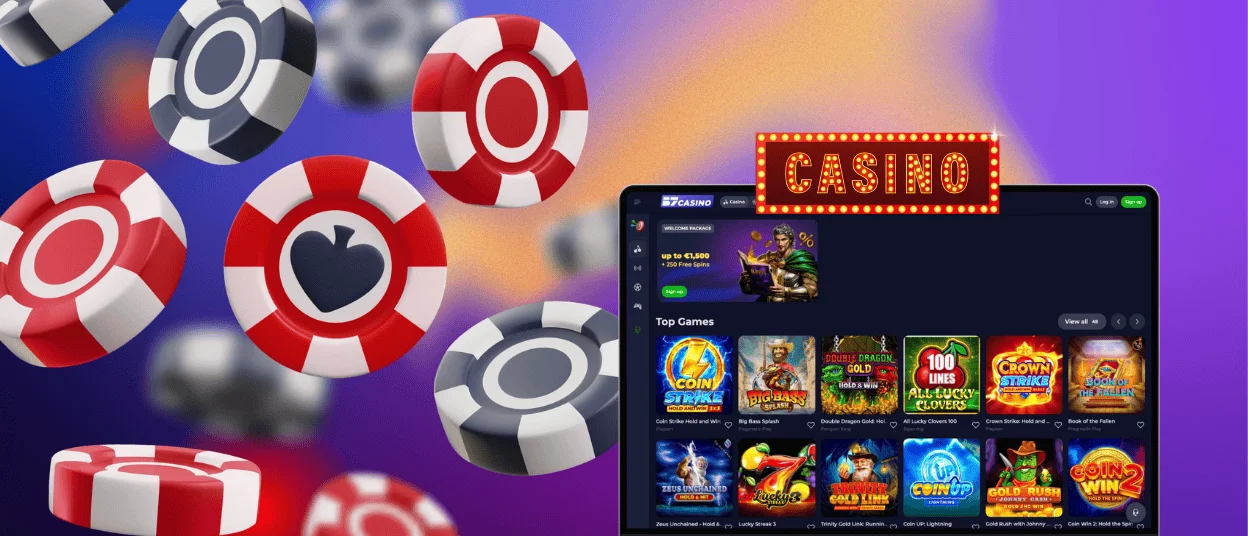
Players can also create a desktop shortcut in browsers. This gives you a cleaner launch route, while the full site still keeps its larger layout. Desktop play can feel stronger for live tables, sportsbook browsing, and long sessions because you see more information on one screen.
Tips for a Better Mobile Experience
Save our official website as a home screen icon and avoid links from unknown messages. A fake page can copy logos and colors, but it cannot give the same safe account route.
To make your mobile casino session smoother and safer, follow these simple tips:
- Keep your phone updated and use a private lock screen.
- Play on a stable Wi-Fi connection when you open live games or request withdrawals.
- Avoid public Wi-Fi when you enter payment details or upload documents.
- Complete the verification process early to prevent delays with withdrawals.
- Contact the support team through live chat if you notice login, payment, or game loading issues.
You can activate notifications, so you’ll receive our recent news and promotion offers. Check game rules before you start a new game, especially when you move from slots to roulette or blackjack on a smaller screen.
FAQ
Is my balance synchronized in real time across devices?
Yes, the B7 balance is linked to your account and not a single device. You can log in on mobile or desktop and you’ll see the same account balance, bonus status and deposit section. If your connection drops during the game, refresh the page or relaunch the B7 app.
Is there any way that I can switch between desktop and mobile play without any problem?
Our users can start playing on desktop, then switch to the B7 app on their phone and continue from the same account. You should finish active game rounds before switching devices, because you cannot play from both at once. That’s why you will need to log out on your computer and then authorize on your phone.
What is the app’s mobile data usage?
The B7 app pulls data for games, live tables, account pages and images. Online slots are less data-intensive than live dealer video games. Use Wi-Fi for long sessions and close the app when finished. This can help you save battery and use less mobile data.


